


How to select industrial equipment for automation with existing PLCs




Adding a compressor, chiller, or vacuum package to an automated production line should not require replacing the existing PLC. Select equipment by checking three things first: whether it meets the process duty, whether its control interface works with the installed PLC configuration, and whether responsibility for sequencing, protection, and fault recovery is clearly defined. A matching Ethernet port or protocol name does not establish compatibility.
For industrial equipment selection for automation, treat integration as an acceptance requirement rather than a commissioning task. A package can deliver the required cooling capacity or airflow yet still cause production interruptions through ambiguous status signals, unsupported communication options, or unpredictable restart behavior. The evaluation should establish what the PLC can command, what it can verify, and what happens when communication or utilities fail.
Start with the installed control system, not the supplier’s catalog
Build a short controls baseline before requesting quotations. Record the PLC model, firmware, engineering software version, installed communication modules, available I/O, network topology, and existing safety architecture. Include licensing and spare capacity: an available network socket does not necessarily mean the controller can support another device connection.
Check the operating program as well as the hardware. Available memory, task loading, communication resources, and existing conventions for alarms and equipment interfaces can constrain an otherwise compatible addition. An older PLC may support a protocol through an optional module but lack a practical engineering path for a current device description file.
Give suppliers a defined interface requirement rather than asking whether their equipment “supports PLC integration.” Request:
- The exact communication option, firmware dependencies, and any required gateway or license.
- A complete signal list identifying commands, status values, alarms, units, scaling, and read/write permissions.
- Electrical drawings showing terminal assignments, signal types, isolation, and power requirements.
- A control narrative covering local/remote operation, startup, normal stopping, faults, and recovery.
- Confirmation that interface documentation and configuration backups will be available for maintenance.
Separate mandatory requirements from preferences. A required safety interface is a pass/fail condition; an additional energy-monitoring register may be useful without being essential. This prevents a feature-rich package from outranking equipment that actually fits the installation.
Choose an interface that matches the job
The right connection depends on how much interaction the production PLC needs. A standalone chiller providing a stable utility may need only remote enable, ready, running, and fault signals. A coordinated vacuum system may need pressure setpoints, operating modes, detailed status, and diagnostic data.
Protocol names need further qualification. For Modbus, establish TCP or serial transport, client/server roles, register addressing, data types, and word order. For cyclic industrial Ethernet connections, verify the supported device profile, assembly or module configuration, and engineering file compatibility. Confirm that the selected option permits control rather than monitoring alone.
A gateway can preserve existing controls, but it adds another configuration and failure point. Use one when its benefits justify that burden, not simply because direct compatibility was left unresolved. Document who owns its configuration and how maintenance staff will restore it after replacement.
Draw the control boundary before comparing features
The production PLC should normally request a service, while the equipment controller manages its internal operating sequence and protective functions. For example, a line PLC may request cooling and supply a permitted temperature setpoint; the chiller controller manages compressor staging and internal operating limits. Directly controlling internal components from the line PLC can create dependencies that the equipment was not designed to support.
Map the command path separately from feedback and safety functions. This makes missing signals and conflicting control authority easier to identify.
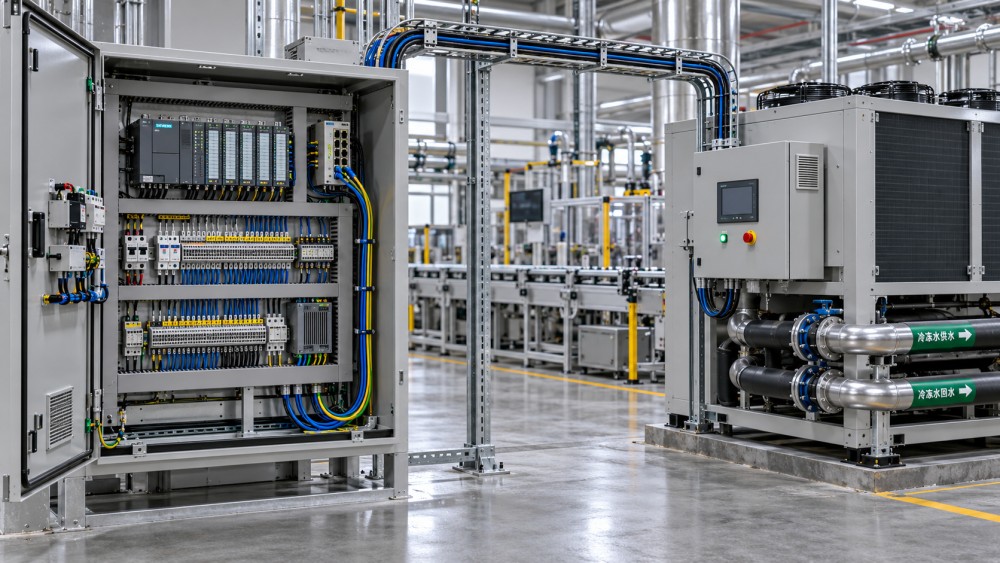
Define “ready,” “running,” and “process available” separately. A compressor motor running does not prove that adequate pressure is available at the point of use. A chiller enabled does not establish sufficient flow or an acceptable supply temperature. Production permissives should reflect the required utility condition, using appropriately located measurements where necessary.
Also establish authority between the local panel, PLC, and any supervisory system. A local setpoint change must not be silently overwritten unless that behavior is intentional and visible. Specify whether local mode blocks remote commands and how the PLC detects the change.
Write the sequence as observable states
Use states such as unavailable, ready, starting, available, stopping, and faulted, with explicit transition conditions. Define command acknowledgement and timeouts. If a start request remains active but availability is never reached, the PLC needs a distinguishable response rather than an indefinite wait.
For packages requiring unloading, pump run-on, or cooldown, distinguish a normal stop request from removal of power. Frequent cycling caused by poorly coordinated line demands can undermine both equipment life and energy performance.
Evaluate timing through failure scenarios
Communication performance should follow the process requirement. Temperature supervision may tolerate slower updates than a tightly coordinated machine sequence, while fast protective functions should remain within an appropriately designed local or safety system. Do not use an ordinary network connection as a substitute for protection that requires validated response behavior.
Determine the acceptable age of each critical value. The full response includes sensor refresh, equipment-controller processing, communication updates, PLC task execution, and actuator response. A fast PLC scan cannot compensate for a slowly refreshed equipment register.
Require defined behavior for these conditions:
- Communication loss: Which commands remain valid, which values become invalid, and whether equipment continues locally or stops.
- PLC restart: Whether outputs and retained commands can unintentionally initiate operation.
- Equipment restart: How the PLC detects rebooting and re-establishes control authority.
- Stale data: How a heartbeat, sequence counter, timestamp, or connection status exposes frozen information.
A communication fault need not always stop the utility package. Continuing local pressure or temperature control may be preferable, while the production line inhibits operations that cannot safely proceed without verified utility status. The choice must follow the process risk assessment, not a supplier’s default setting.
Keep safety separate from ordinary remote control
A standard PLC stop command is not automatically a safety function. Determine whether emergency stopping, guard-related actions, hazardous pressure isolation, or other protective measures must cross the equipment boundary. The required architecture depends on the machine and process risk assessment.
Check the actual safety circuit drawings and interface specifications. Do not assume that an alarm relay is a safety-rated output or that ordinary fieldbus communication can carry a safety function. Where safety-related communication is proposed, the complete chain must support the required safety function and validation.
Stopping a utility can also introduce hazards: loss of cooling may worsen a thermal event, and removing vacuum or air pressure can affect held components or actuator positions. Qualified safety and controls personnel should resolve these interactions before purchase, including residual energy, isolation, reset, and restart prevention.
Verify process performance at the real operating point
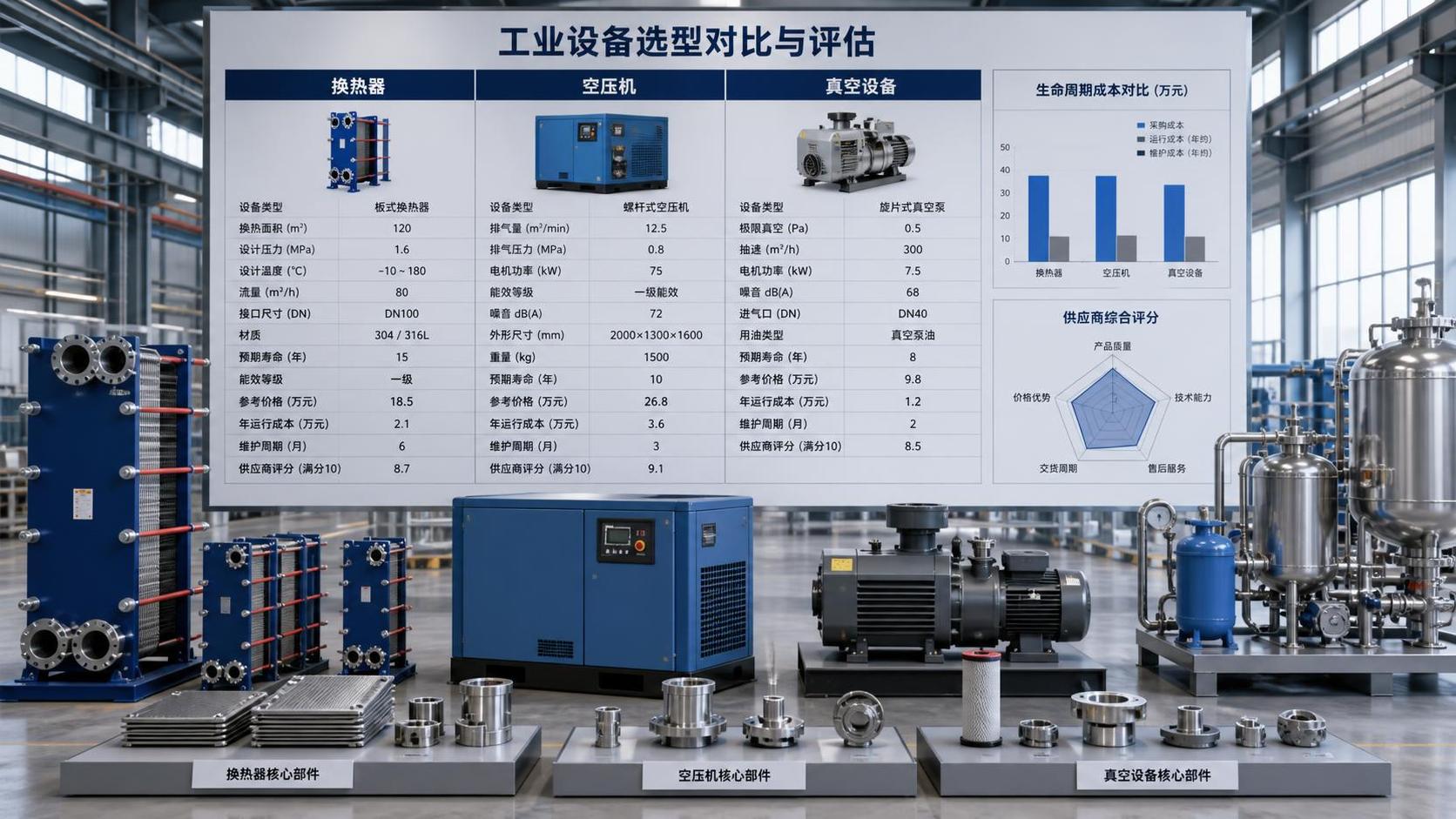
Controls compatibility cannot rescue equipment selected against the wrong duty. Give each supplier the expected operating envelope, including sustained demand, peaks, turndown, ambient conditions, utility quality, and installation losses. Request performance at those conditions rather than comparing nominal ratings alone.
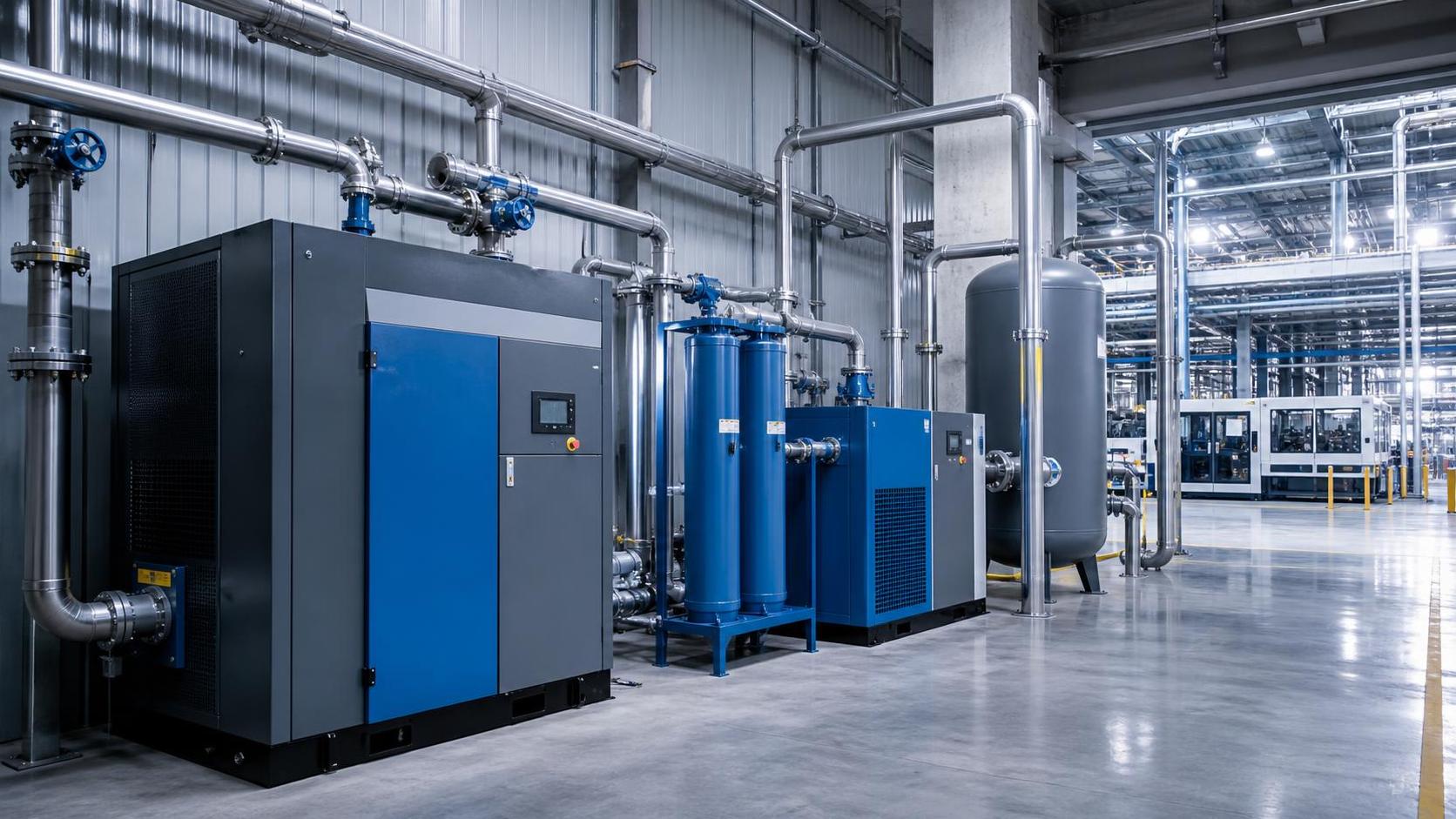
- Compressed air: Check delivered flow at required pressure, treatment pressure losses, air-quality requirements, and demand variation. Coordinate package control with any existing compressor sequencing.
- Chilled water or process cooling: Specify supply and return temperatures, fluid composition, flow, pressure drop, ambient limits, and minimum stable load.
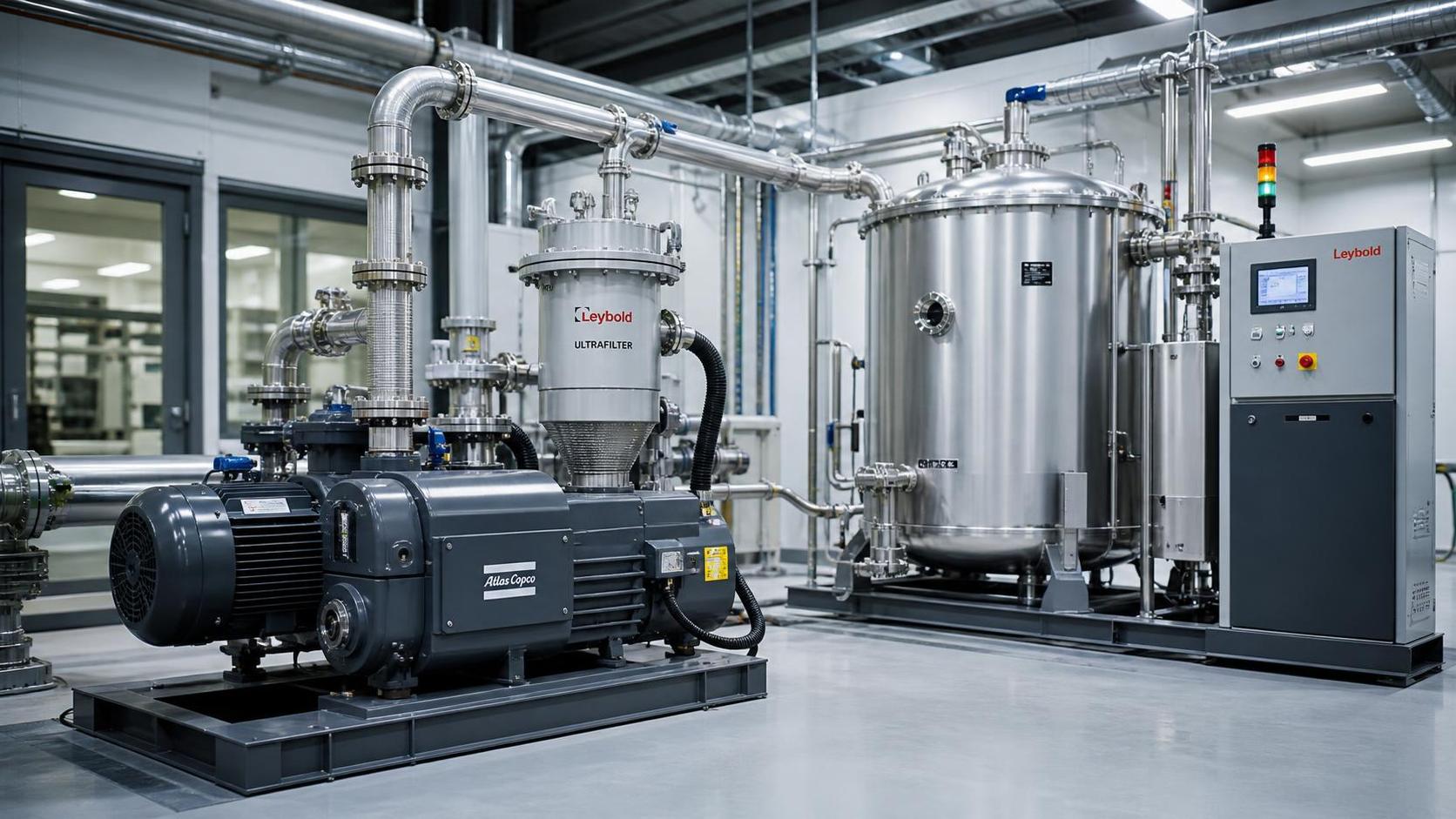
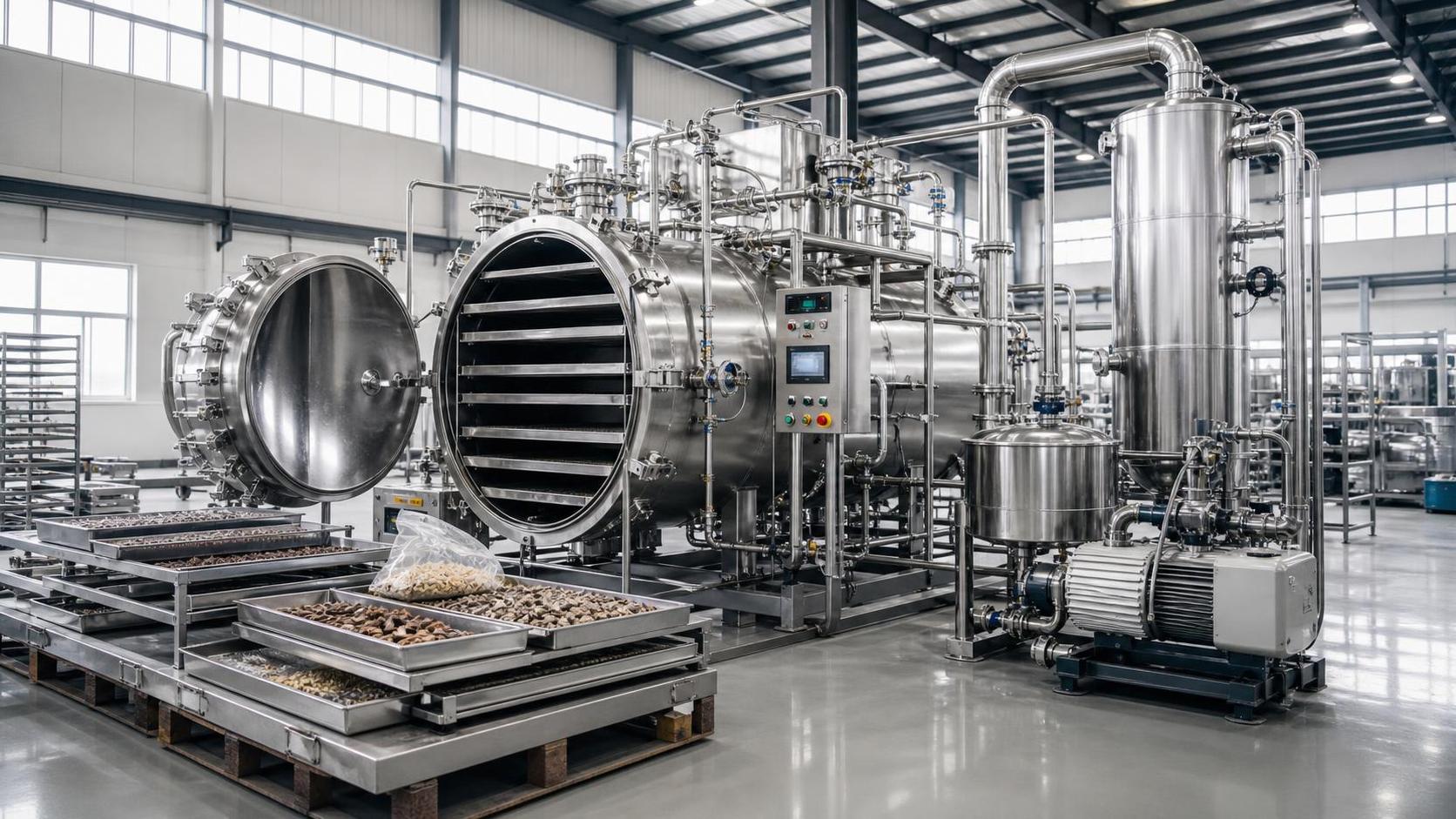
- Vacuum: Compare pumping performance at operating pressure, gas load, leakage, vapor content, and required pump-down behavior—not only nominal displacement.
Assess transient behavior alongside steady-state capacity. A package may meet average demand but recover too slowly after a production step change. Storage, buffering, staging, or revised sequencing may address the issue, but these measures need explicit sizing and control responsibilities.
For energy comparisons, use the expected load profile and a consistent system boundary. Include pumps, fans, dryers, cooling systems, and unloaded operation where applicable. Variable-speed capability alone does not prove lower consumption under the actual duty cycle.
Compare integration cost and supportability
Evaluate the installed solution, not just the equipment price. Include communication options, gateways, panel modifications, software licenses, programming, safety validation, commissioning time, operator training, and production interruption. Keep estimated costs separate from confirmed quotations and state the assumptions behind downtime allowances.
Diagnostics have practical lifecycle value. Prefer interfaces that distinguish a process warning, equipment trip, communication failure, and maintenance condition. A single common-fault contact may support a basic interlock, but it can leave troubleshooting dependent on access to the local panel.
Ask whether replacement controllers or updated firmware preserve the interface. Obtain backup and restore procedures, parameter lists, access credentials under the site’s policy, and a supported route for technical assistance. Remote service access should follow plant security rules, with controlled permissions and network segmentation rather than unrestricted vendor connectivity.
Make acceptance evidence part of the purchase decision
Before issuing the order, agree how compatibility will be demonstrated. Where feasible, test the proposed equipment interface with the actual PLC family and relevant software versions. Simulation can check mapping and sequences, but it does not prove physical response, electrical compatibility, or process performance.
- Verify every exchanged signal. Check scaling, units, status interpretation, writable limits, and command acknowledgement.
- Exercise operating transitions. Test local/remote transfer, startup permissives, normal stopping, demand changes, and fault reset.
- Introduce controlled failures. Check cable disconnection, controller restart, power restoration, invalid measurements, and equipment-unavailable conditions under an approved test procedure.
- Confirm site performance. Validate utility availability and recovery under representative loads, recording operating conditions and acceptance limits.
Shortlist equipment only after mandatory process, interface, and safety requirements pass. Then compare energy use, maintainability, and lifecycle cost among the compliant options. An unresolved interface should remain a documented purchasing hold point with an owner and required evidence—not become an assumption handed to the commissioning team.
Ready when you are. Send us a message to get started.
Related News
- How to select industrial equipment for automation with existing PLCsAuthor :

- How electricity prices shape industrial compressed air price trendsAuthor :

- Choosing air filtration systems for heavy dust in the Middle EastAuthor :

- How much does a fully installed compressed air monitoring system cost?Author :

- What documentation supports CE marking for industrial equipment?Author :

- How local support affects vacuum system costs in Southeast AsiaAuthor :

- How worldwide industry category guides help compare market opportunitiesAuthor :

- What drives sustainable thermal systems cost over their operating life?Author :

- Which industrial solution comparison criteria prevent project delays?Author :

- How Ambient Temperature and Load Profile Affect Industrial Compressor SizingAuthor :

- What to evaluate before choosing a thermal process engineering supplierAuthor :

- How industrial utility systems affect energy costs in process plantsAuthor :

- What Data Is Needed to Assess Heat Recovery Decarbonization?Author :

- Can Waste Heat Recovery Support Carbon Neutrality Targets?Author :

- Is Compressor Heat Recovery Worth the Installation Cost?Author :

- What to verify before choosing a process separation technology supplierAuthor :

- When does process utilities engineering reduce project rework?Author :

- Where thermal efficiency optimization delivers the fastest savings in EuropeAuthor :

- What should you verify before selecting a heat transfer supplier?Author :

- What drives compressed air systems price for industrial projects?Author :

- How an industrial product knowledge comparison guide reduces sourcing riskAuthor :

- When does a procurement specification planning process reduce bid risk?Author :

- When does thermal system optimization for electronics reduce failure risk?Author :

- When high temperature process heating systems justify the higher energy costAuthor :

- How to compare sludge dewatering equipment by cake drynessAuthor :

- What to Check Before Sourcing a Gas Turbine for Distributed Power ProjectsAuthor :

- What drives industrial thermal systems price in large facility projectsAuthor :

- How to build an industrial product comparison chart that speeds up vendor selectionAuthor :

- Vacuum Technology Application Guide for Selecting the Right SystemAuthor :

- What Drives Vacuum Drying Cost in Industrial Procurement?Author :

- What Drives Compressed Air Pricing in Industrial Systems?Author :

- How Procurement Specification Planning Shapes Total Project CostAuthor :

- Compression Technology Guide: How to Compare Efficiency, Pressure Range, and Maintenance NeedsAuthor :

- How to Compare Industrial Separators by Throughput, Purity, and Maintenance LoadAuthor :

- How to Size a Compressed Air Equipment Receiver Tank for Stable PressureAuthor :

- Industrial Equipment Selection Guide: How to Compare Capacity, Duty Cycle, and Operating CostAuthor :